Applicant sync
Applications and offers in Salesforce create or update the person in the student record.
Home / Solutions / Salesforce and Moodle
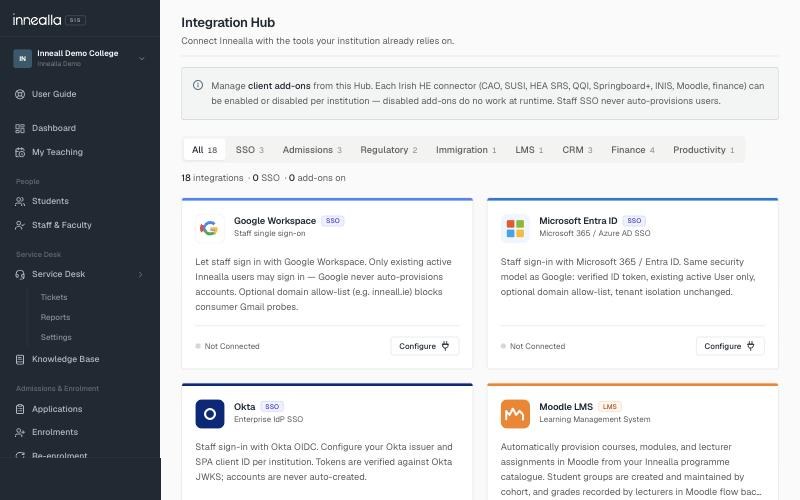
Applications in Salesforce become enrolments in Moodle without re-keying. Cases, cohorts and communications stay aligned with the student record, through connectors we build and run.
Salesforce managed appMoodle pluginInnealla or your SIS
The problem
When those three drift apart, staff re-key offers into Moodle and advisers work cases against yesterday’s export. This page is about closing that gap.
Who it is for
This is the Salesforce and Moodle path specifically. For the wider campus integration picture, see Connected campus.
What we connect
Three systems stay in step: Salesforce for the pipeline, the student record for truth, Moodle for teaching.
Applications and offers in Salesforce create or update the person in the student record.
Accepted offers provision the right Moodle courses and cohorts for that intake.
Service cases in Salesforce can see the same student identity Moodle and registry use.
Advisers and tutors keep the Microsoft or Google accounts they already have.
When fees clear, enrolment status updates without a second spreadsheet.
Recruitment and teaching numbers come from one joined picture, not three exports.
How we work
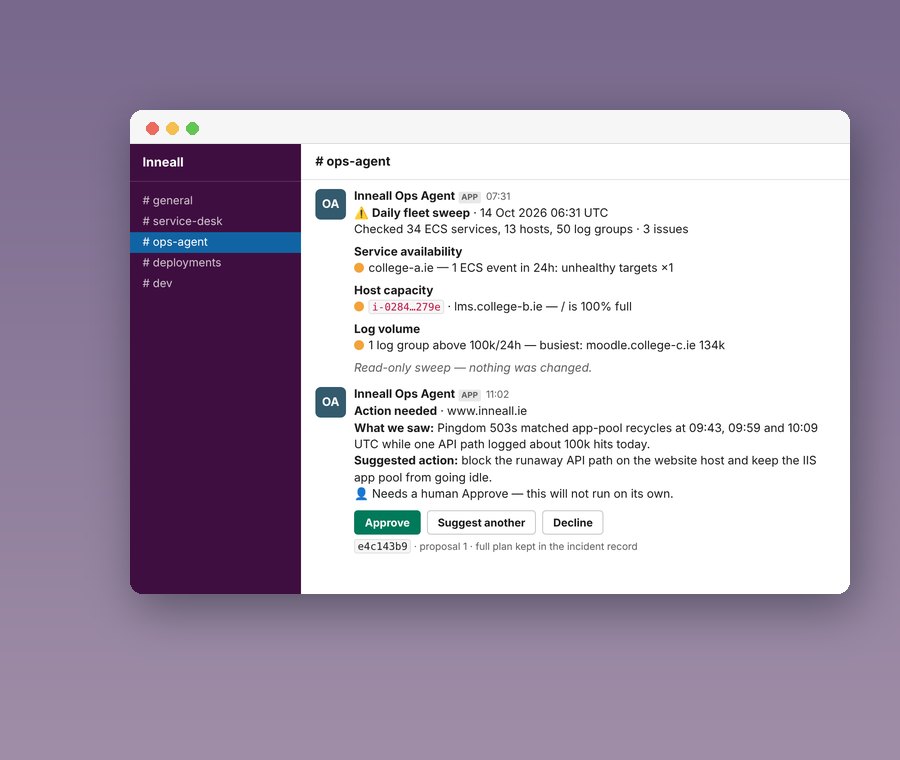
Named owners, acceptance tests and least-privilege credentials — not a one-off script under someone’s desk.
We map Account, Contact, Opportunity or Application objects to the student record before any Apex or Flow is written.
Every sync path has an agreed test: applicant created, offer accepted, enrolment in Moodle, case visible to the right queue.
Our Salesforce managed package and Moodle plugin where they fit; documented custom work where your org needs it.
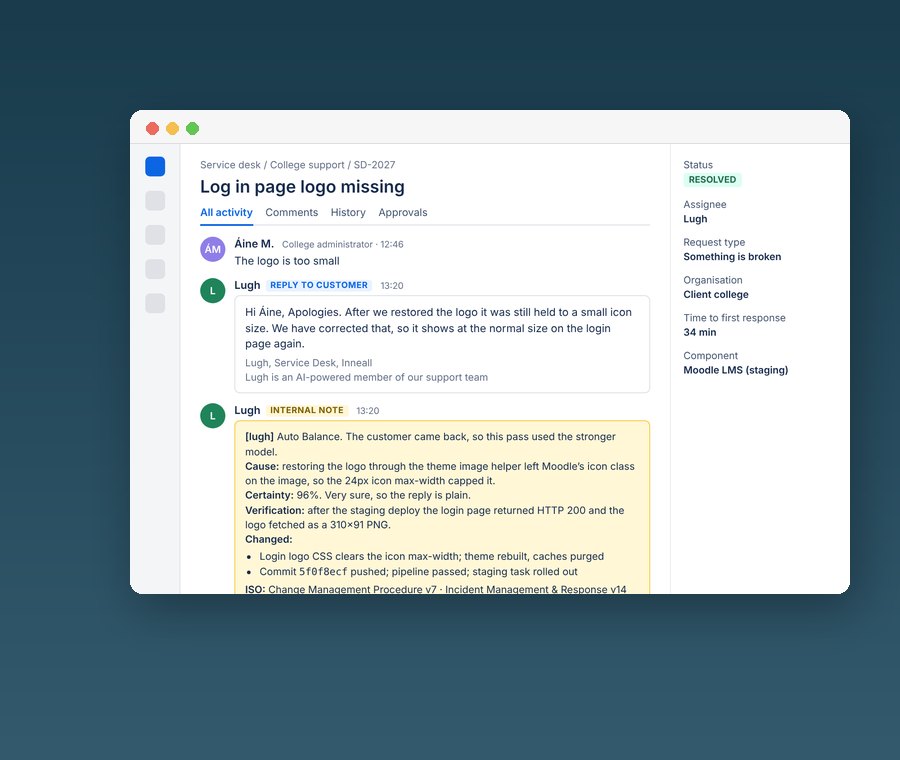
Runbooks, monitoring and credentials that your team can own — with us on call if you want a managed service.
Start here
Two weeks, fixed price. You get an object map, the sync paths that matter, and a build plan you can take to your Salesforce admin or to us.
What you get
Case study
Moodle, attendance, payments and Salesforce working across one estate.
Proof
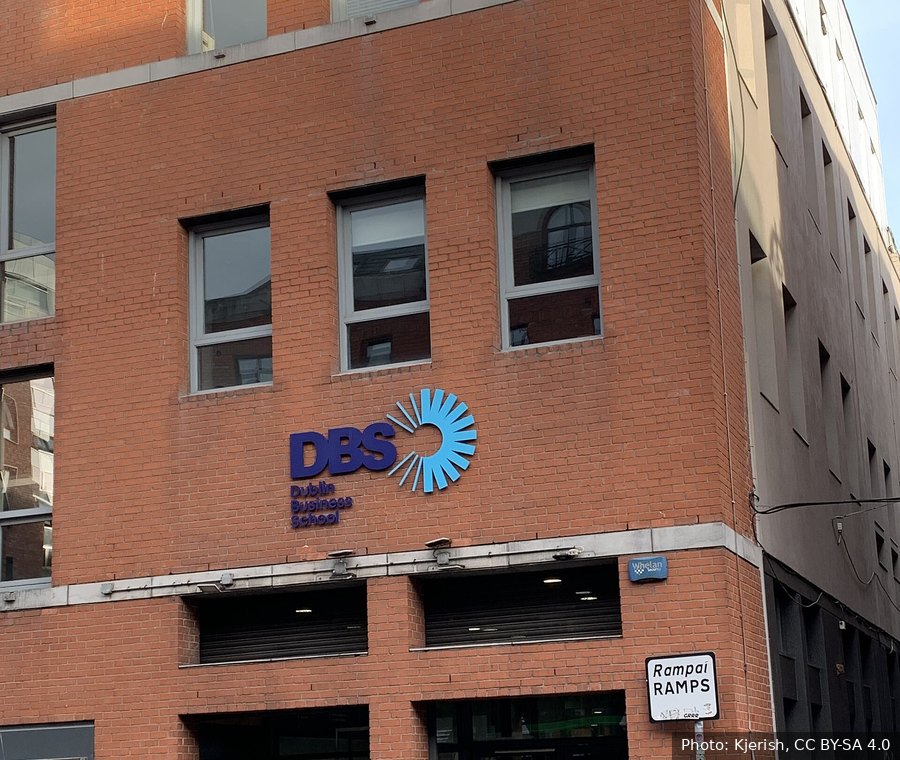
Dublin Business School runs Moodle, attendance, payments and Salesforce across one connected campus.
“Inneall are very solutions driven. They find better ways of doing things. I can throw an idea at them and they’ll find a way to do it.”
FAQ
Something else? Talk to us and an engineer who has shipped Salesforce–Moodle connectors will answer.
Both. We have connected Education Cloud orgs and custom Salesforce builds used for admissions, cases and partner recruitment. The connector shape depends on your objects and flows, not on a single product SKU.
When an applicant reaches the agreed stage in Salesforce, the Integration Hub creates or updates the learner in the student record and provisions the Moodle courses for that programme. Staff do not re-key names, emails or course codes.
Cases stay in Salesforce. Cohorts and communications can use Salesforce data that is kept in step with the student record, so advisers are not working from a stale spreadsheet export.
We prefer our Moodle plugin and Salesforce managed package because we support them. If you already have a connector, discovery tells you whether to keep it, wrap it, or replace it within the fixed-price scope.
A focused applicant-to-enrolment path is often live in weeks after discovery. A wider programme that also covers cases, payments and identity usually lands in a short phased release rather than one big cutover.
At the centre. That can be Innealla or the SIS you already run. Salesforce and Moodle both connect to it through the Integration Hub, so neither system becomes a second source of truth.
Next step
Start with a two-week, fixed-price Integration Review, and a plan you can act on.
Integrators for specialised education and CRM platforms
One college, many systems,
one set of integrations
Two weeks, fixed price. You get a map of what you have and a plan you can act on, with us or without us.
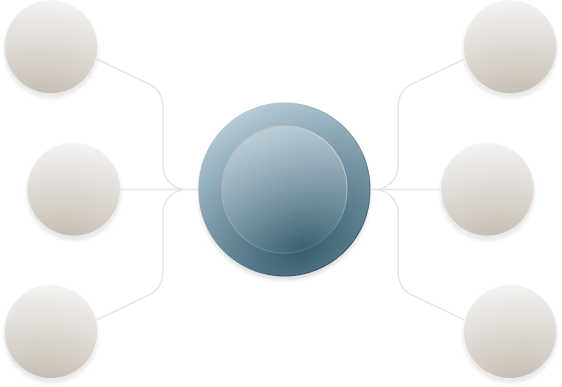
A typical college runs systems from different suppliers and different decades. Staff re-key data between them, and students have to know which system holds what. The student record sits at the centre, whether that is Innealla or the SIS you already have.

Integrations fail when only one person understands them. Ours are built so that is never the case.
We are not tied to a vendor. These are the ones we have connected most often.

Moodle, attendance, payments and Salesforce working across one estate.
Partnership, transparency, user-centred design and long-term quality guide every project. Each one runs through the same six stages, so you always know where it stands and who is accountable.